DocuSign Alternatives: 5 E-Signature Tools Compared
Summary
If you are searching for DocuSign alternatives, the useful question is what you actually need to sign. We compared five options against DocuSign on price, volume limits, signature levels, languages and document creation. Yousign (now Youtrust) suits EU teams that need a defined legal level, Dropbox Sign suits small teams, PandaDoc suits document-heavy sales flows, SignNow suits tight budgets and Adobe Acrobat Sign suits PDF-first teams. Prices below come from public pricing pages checked in September 2026.
DocuSign alternatives are worth a look when the bill grows faster than the number of contracts you actually sign. Our pick for teams working under EU law is Yousign, now rebranding to Youtrust, because it offers simple, advanced and qualified signatures without envelope caps. Dropbox Sign, PandaDoc, SignNow and Adobe Acrobat Sign each win on a narrower need, which the table and cards below spell out.
Why teams look for a DocuSign alternative
DocuSign is the tool most counterparties already know. That familiarity is its main asset, and it is a real one: nobody asks how to open a DocuSign envelope. The friction shows up elsewhere.
Plans are priced per user and capped per year. On the Personal plan, about $10 a month buys 5 envelopes, so the effective cost is about $2 per envelope. Standard and Business Pro raise the cap but keep it. Production API access is a separate purchase. For a procurement lead who signs a few vendor agreements a week, none of this is dramatic. For a team that sends NDAs and order forms in volume, it is the line item that gets questioned at renewal.
The second reason is fit. A five-person legal team in Berne does not need 99 signers per envelope. It may need a signature level that holds up under eIDAS, or a tool that drafts the contract as well as signing it. Switching is easier once you know which of those you are optimising for.
What to check before you switch
Here is what we check before recommending a tool, in the order that usually matters.
Signature level. A simple electronic signature is enough for most commercial contracts in the EU, UK and Switzerland. Advanced and qualified signatures exist for cases where the law or a counterparty asks for stronger identity proof. Swiss qualified signatures follow the ZertES framework, which is separate from eIDAS, so confirm that a provider covers the framework you need. Ask your counsel before relying on any tool for a high-value or regulated document.
Volume limits. Look for the number that applies to you: envelopes per user per year, requests per month, or signers per document. Unlimited simple signatures make costs predictable. Caps make them a forecasting exercise.
Where the contract is written. If you draft in Word and only need a signature at the end, a simple sender is enough. If you build documents from templates with pricing tables, a document builder saves a round trip.
Integrations and storage. Connecting to your CRM, Google Workspace or Dropbox matters more than the feature list. A tool your team does not open every day gets abandoned.
Language and audit trail. For multilingual counterparties, count the signing languages. For disputes, check that the audit trail records who signed, when and from where.
How the five alternatives compare
The table at the top of this page sets the six tools side by side on price, limits, signature types, languages, document creation and fit. Three patterns stand out.
First, price is no longer the main differentiator among the mainstream tools. Most start between $8 and $19 per user per month on annual billing, and DocuSign Standard at about $25 sits in the same range. The gap opens at the business tiers, where Dropbox Sign Standard reaches about $50 and PandaDoc Business about $49.
Second, limits differ more than prices. DocuSign caps envelopes per user per year, while Yousign Plus and Pro, PandaDoc and Dropbox Sign paid plans do not cap simple signatures in the same way. If you send in bursts, for example at quarter end, this is where the savings appear.
Third, only one tool here is built around European signature levels. That does not make it right for everyone. It makes it the obvious shortlist entry for teams whose counterparties, regulators or internal policies point to eIDAS.
Yousign (now Youtrust): the pick for EU teams
Yousign is a French platform that now announces its rebrand to Youtrust on its homepage. Plans run from a free tier with 2 requests a month, through One at about EUR 9 a month, to Plus at about EUR 23 and Pro at about EUR 38 per user per month, billed annually and excluding VAT.
What we like is the structure. You choose the signature level per request, from simple to advanced to qualified, and identity verification and e-seals live on the same platform. For a team that signs supplier agreements with EU counterparties, that removes the need to bolt a second vendor onto the first.
What it does not solve: the integration catalogue is smaller than DocuSign's, and the brand transition may rename plans or URLs during the year. Test your CRM and storage connections in the free trial before you migrate templates.
Dropbox Sign: the simplest switch
Dropbox Sign is the tool we would hand to a founder who has never used e-signatures. Sending a document takes a few clicks, and if your contracts already sit in Dropbox or Google Workspace, the integration is direct. Verified reviewers rate it 4.7 on G2 and Capterra.
The trade-off is depth. Reporting is limited, there is no payment collection, and a request supports up to 20 signers. For a three-signer NDA that is irrelevant. For a multi-party deal it can be.
PandaDoc: when the contract is built, not just signed
PandaDoc starts from the document. You build the agreement from a template, add a pricing table, collect a payment if needed and route it for signature, all in one place. Paid plans include unlimited e-signatures, and it rates 4.7 on G2.
Two cautions. The interface is available in 8 languages, which is limiting for multilingual EU teams, and some features such as bulk send or forms sit in add-ons. Read the plan comparison line by line, because the entry price is not the price of the setup you will actually use.
SignNow: the budget option
SignNow has the lowest entry price of the group, from roughly $8 to $10 per user per month, with bulk send, branding and document variables on business plans. Reviewers rate it 4.6 on G2 and Capterra.
It is a good match for repetitive workloads: onboarding packs, standard vendor forms, recurring order documents. The interface is busier than Dropbox Sign's, and phone support is limited to the Enterprise plan, so plan for a longer learning curve if the team is new to e-signatures.
Adobe Acrobat Sign: for PDF-first teams
If your contracts already arrive as PDFs and your team edits, compares and redacts them in Acrobat, signing inside the same application is logical. Acrobat team plans run from about $17 to $30 per user per month on annual commitment, with 27 signing languages and strong enterprise compliance options.
For everyone else, the bundle is more than needed. Several reviewers describe it as less intuitive for new users, and signing-order and bulk-send controls are more limited on the lower tiers.
Which one for which profile
Pick by the constraint that hurts most today, then confirm the price on the vendor page.
EU or Swiss counterparties and a need for defined signature levels: Yousign (Youtrust), after checking the framework your counsel requires.
Small team, contracts stored in Dropbox or Google Workspace: Dropbox Sign.
Contracts built from templates with pricing and payments: PandaDoc.
Repetitive, budget-sensitive workloads: SignNow.
PDF-first legal or finance workflows: Adobe Acrobat Sign.
A counterparty that requires it, or a large integration estate: stay with DocuSign.
Before you sign a contract with any of these vendors, read the auto-renewal and data-location clauses of the vendor's own terms. Signing software is itself a vendor contract, and it is the one that quietly renews.
At-a-glance
| Yousign (now Youtrust) | Dropbox Sign | PandaDoc | SignNow | Adobe Acrobat Sign | |
|---|---|---|---|---|---|
| Entry paid plan (annual billing) | Free tier (2 requests/month); One about EUR 9/month; Plus about EUR 23/user/month | Essentials about $15/month; Standard about $50/user/month | Starter about $19/user/month; Business about $49/user/month | Business about $8 to $10/user/month; Premium about $15 | Acrobat team plans from about $17 to $30/user/month |
| Volume limits | Unlimited simple signatures on Plus and Pro | No envelope cap on paid plans; 15 reusable templates on lower tiers | Unlimited e-signatures on paid plans | Higher transaction limits than DocuSign at a lower price | Depends on plan; up to 25 signers per transaction |
| Signature types and legal framework | Simple, advanced and qualified signatures under eIDAS, plus identity verification | Standard e-signatures with audit trail; regional add-ons limited | Standard e-signatures with audit trail and compliance logging | Standard e-signatures with audit trail; premium tiers add more controls | Enterprise-grade compliance options; strong in regulated document workflows |
| Signing languages and signers per envelope | English and French interface first; European focus | 22 languages, up to 20 signers | 8 languages, up to 50 signers | Multilingual signing pages; volume pricing for teams | 27 languages, up to 25 signers |
| Document creation and templates | Templates and workflows for signature requests | Basic templates and a simple sending flow | Full document builder, content library, quotes and payments | Document variables, bulk send and templates | Edit, compare and sign PDFs inside Acrobat |
| Best fit for a legal or procurement team | EU-based teams that may need advanced or qualified signatures | Small teams already storing contracts in Dropbox | Teams that draft, price and sign in one place | Small budgets with occasional bulk sending | Teams that already edit contracts as PDFs in Acrobat |
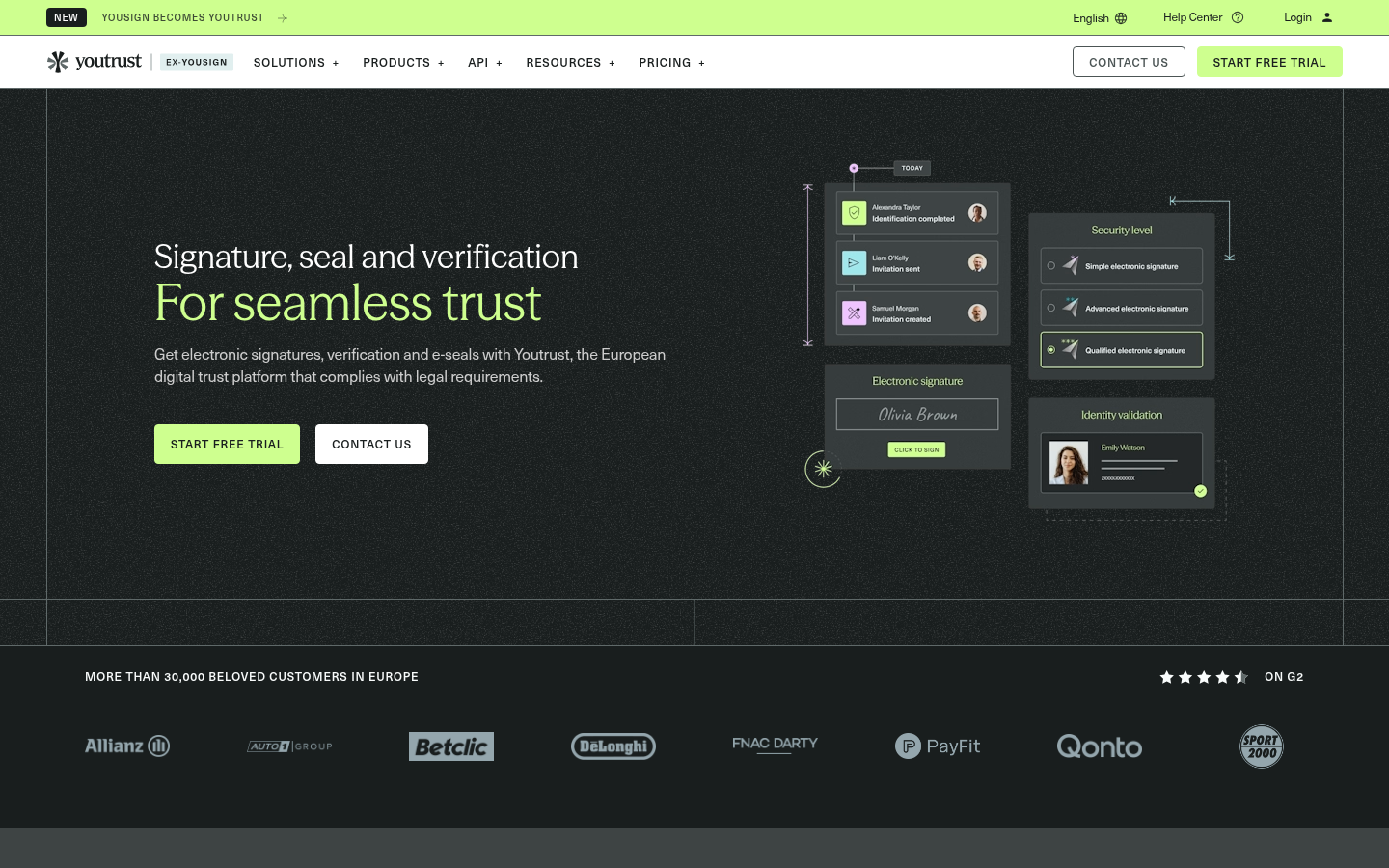
Yousign (now Youtrust)
- Built around eIDAS with simple, advanced and qualified signature levels on one platform
- Unlimited simple signatures on Plus and Pro, so volume does not change the bill
- Identity verification and e-seals sit next to signatures, useful for onboarding and regulated documents
- Smaller integration catalogue than DocuSign, so check your CRM and storage first
- The brand is moving from Yousign to Youtrust, which may change plan names and URLs during 2026
The most natural fit for EU teams that need signatures with a defined legal level.
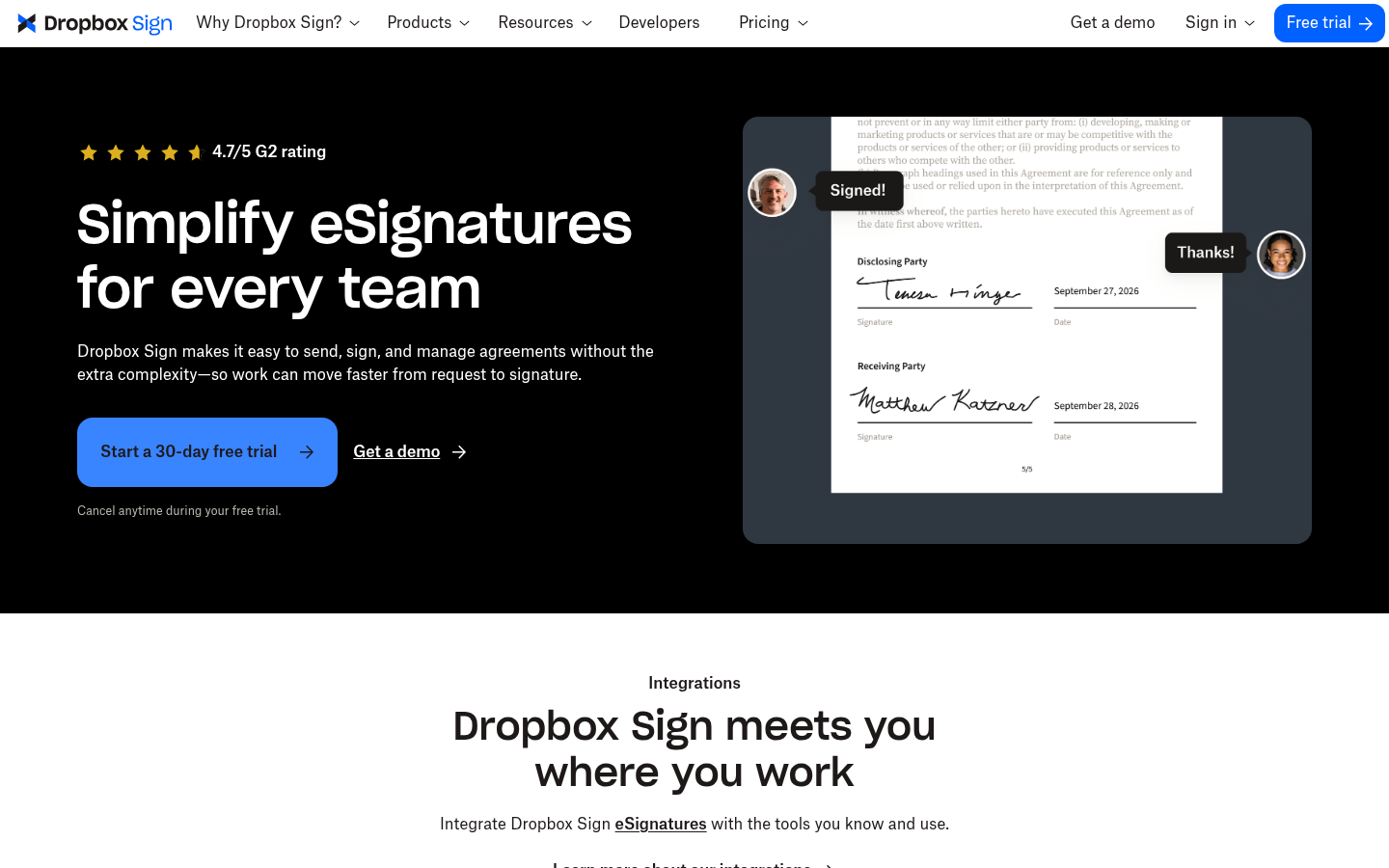
Dropbox Sign
- Very simple sending flow that non-lawyers pick up in minutes
- Tight integration with Dropbox and Google Workspace storage
- Rated 4.7 on both G2 and Capterra by verified reviewers
- Fewer workflow and reporting features than DocuSign or PandaDoc
- No built-in payment collection and a lower signer limit per request (20)
The easiest switch for a small team that mainly needs clean, simple signature requests.
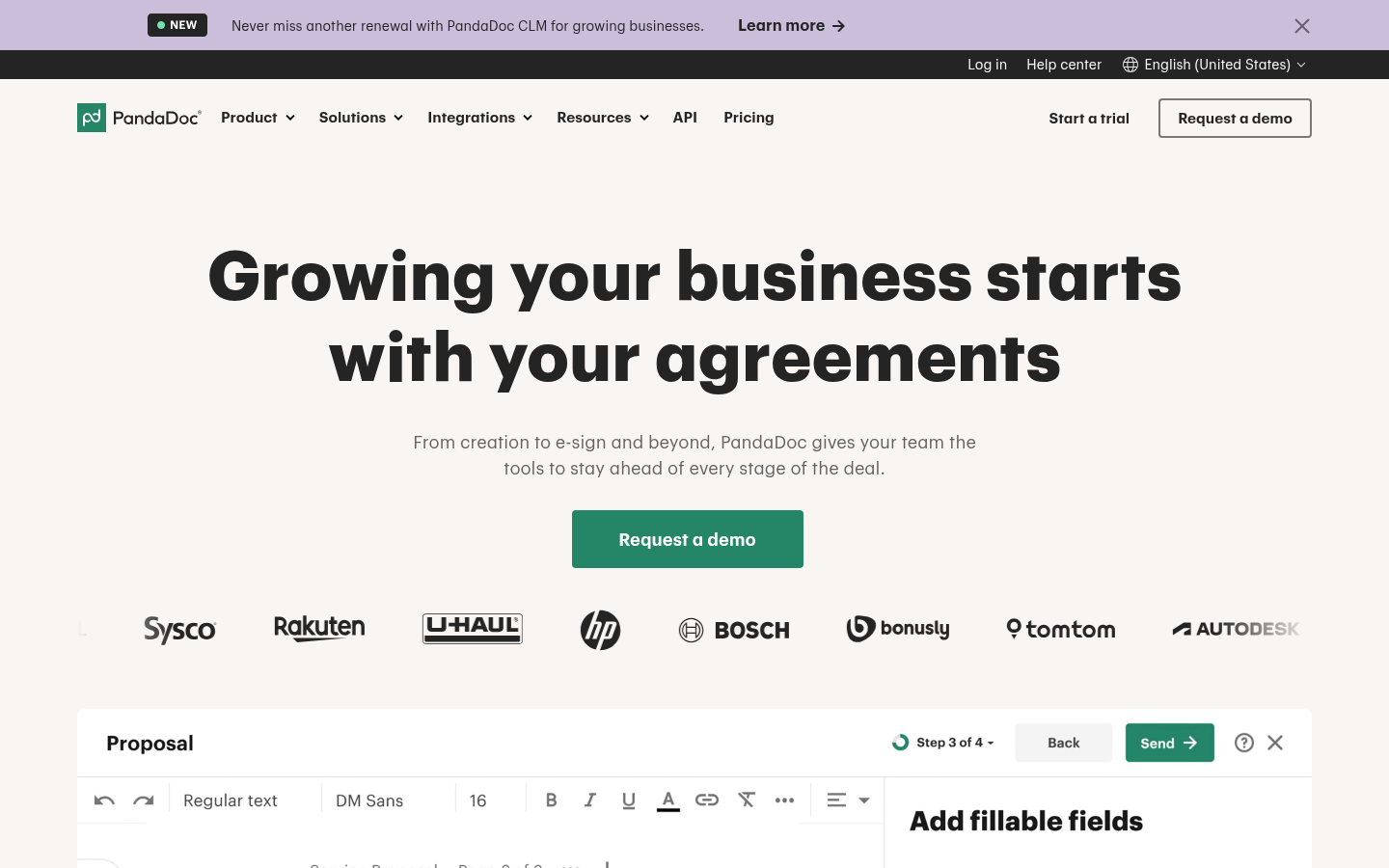
PandaDoc
- Builds the document as well as signing it: templates, content library, quotes and payments
- Unlimited e-signatures on paid plans
- Rated 4.7 on G2 with strong reporting and collaboration tools
- Only 8 interface languages, which is thin for multilingual EU signing
- Several features (bulk send, forms) sit in add-ons or higher tiers, so the entry price is misleading
Best when the contract is created from a template and tied to a sales or procurement workflow.
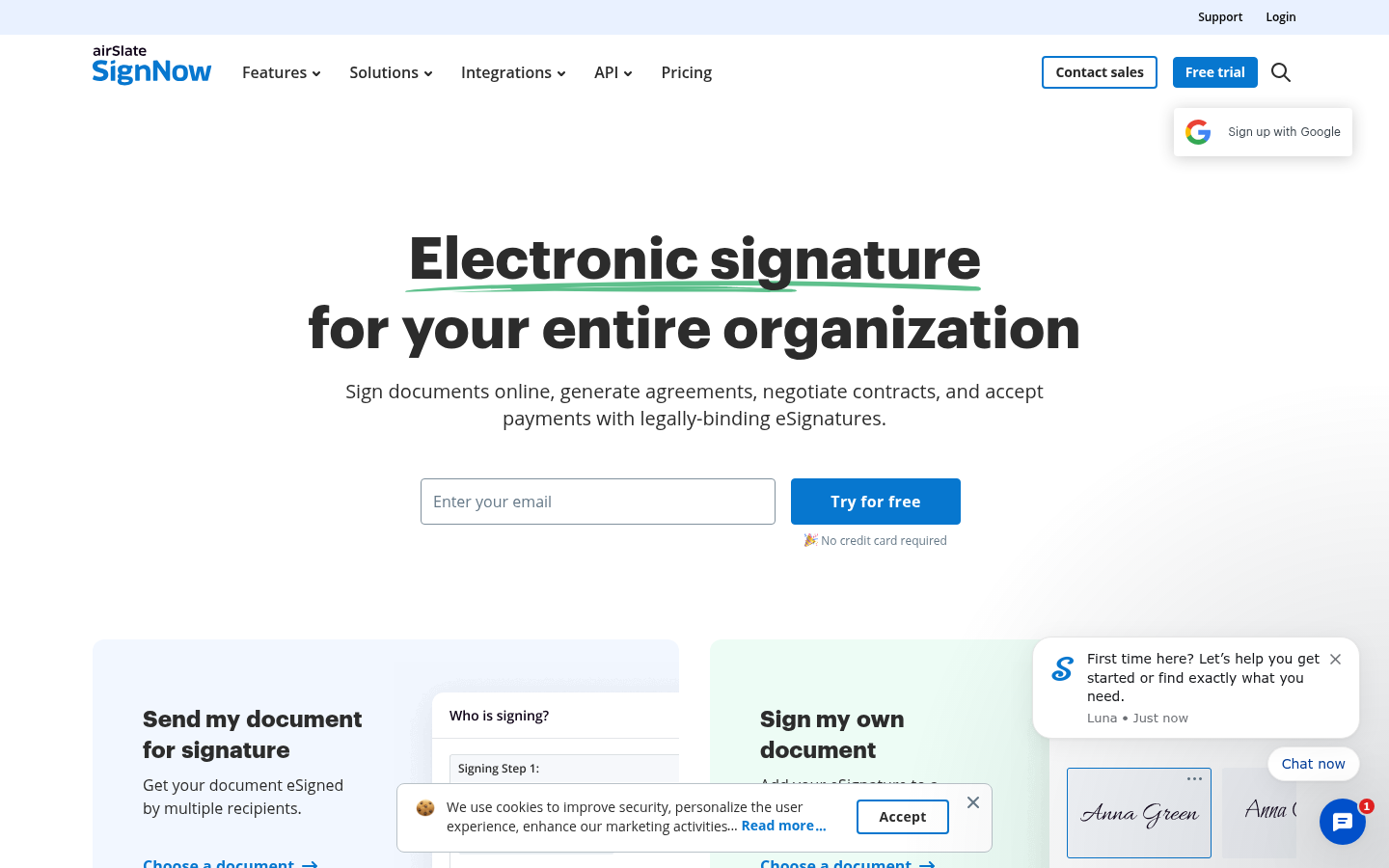
SignNow
- Lowest entry price of the group, from roughly $8 to $10 per user per month
- Bulk send, custom branding and document variables included on business plans
- Rated 4.6 on both G2 and Capterra
- Phone support is reserved for the Enterprise plan
- The interface is busier than Dropbox Sign or PandaDoc, so onboarding takes longer
A sensible budget pick when the workload is repetitive and the price per seat matters most.
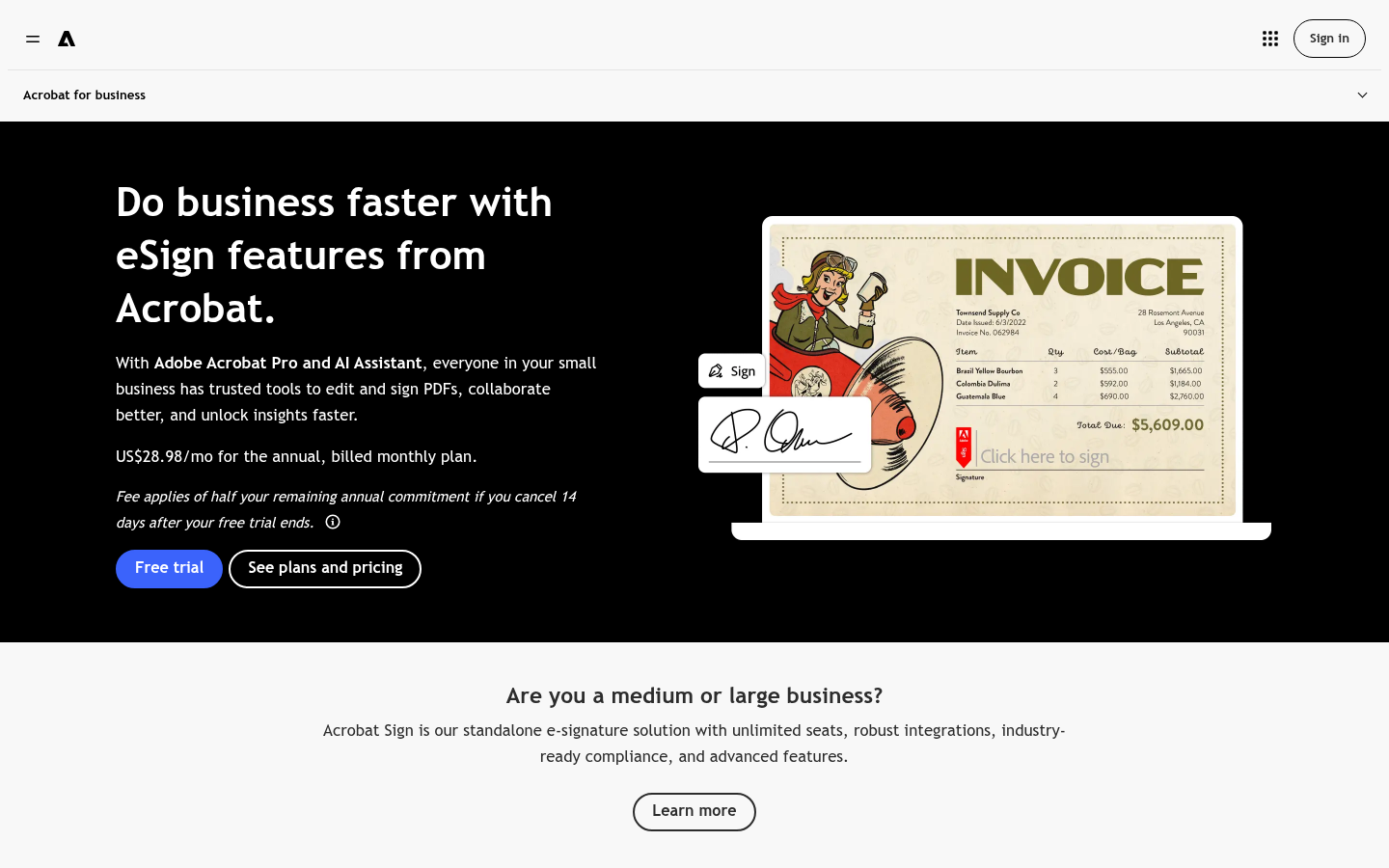
Adobe Acrobat Sign
- Edit, compare, redact and sign PDFs without leaving Acrobat
- 27 signing languages and enterprise compliance options
- Familiar to counterparties who already open contracts in Adobe Reader
- Less intuitive for new users than DocuSign or Dropbox Sign, according to several reviewers
- Signing-order and bulk-send controls are more limited on lower tiers
Worth it if your team already lives in Acrobat; otherwise the bundle is more than you need.
Verdict
Yousign is the best fit among the DocuSign alternatives for teams working under EU law, because it offers simple, advanced and qualified signatures on one platform without envelope caps. Dropbox Sign is the easiest move for small teams, PandaDoc covers drafting plus signing, and SignNow is the cheapest. DocuSign remains the reference when a counterparty insists on it or you need its integrations.
How we tested
This comparison is built from public sources, not from a lab test. We reviewed each vendor's published pricing and plan pages, help-centre documentation and product homepages in September 2026, cross-checked plan limits against independent comparison pages, and read aggregated G2 and Capterra ratings for satisfaction. We captured each homepage as a screenshot on the same date. Custom scores out of 5 weigh reviewer satisfaction, price transparency, volume limits and fit for contract-heavy teams in the EU, UK and Switzerland. Prices change often and vary by region, so confirm them on the vendor page before you buy. This is not legal advice: for qualified signatures or high-value contracts, check the requirements with your counsel.