DocuSign vs Adobe Sign: Which Wins for Contracts in 2026?
Summary
DocuSign vs Adobe Sign comes down to workflow versus document. DocuSign wins for recurring, multi-party signing with deep integrations, but its 100-envelope yearly cap per user needs checking. Adobe Acrobat Sign wins when PDF editing and redaction sit next to signing, and its team plans start lower. We compared pricing, limits, integrations and user ratings from public sources in October 2026.
DocuSign
- Highest ease-of-use score in the G2 side-by-side (9.0 versus 8.7)
- 1,100+ integrations, including Salesforce, SAP and Workday
- Mature routing, templates and audit trail used by legal and procurement teams
- Large review base: 4.7/5 across about 9,500 Capterra reviews
- Per-user envelope caps (100 per year on Standard and Business Pro) make volume costs hard to forecast
- Reviewers on G2 and Capterra most often complain about price and tier complexity
- PDF editing is limited compared with Acrobat
The safer default for contract signing at scale, provided you size the envelope allowance first.
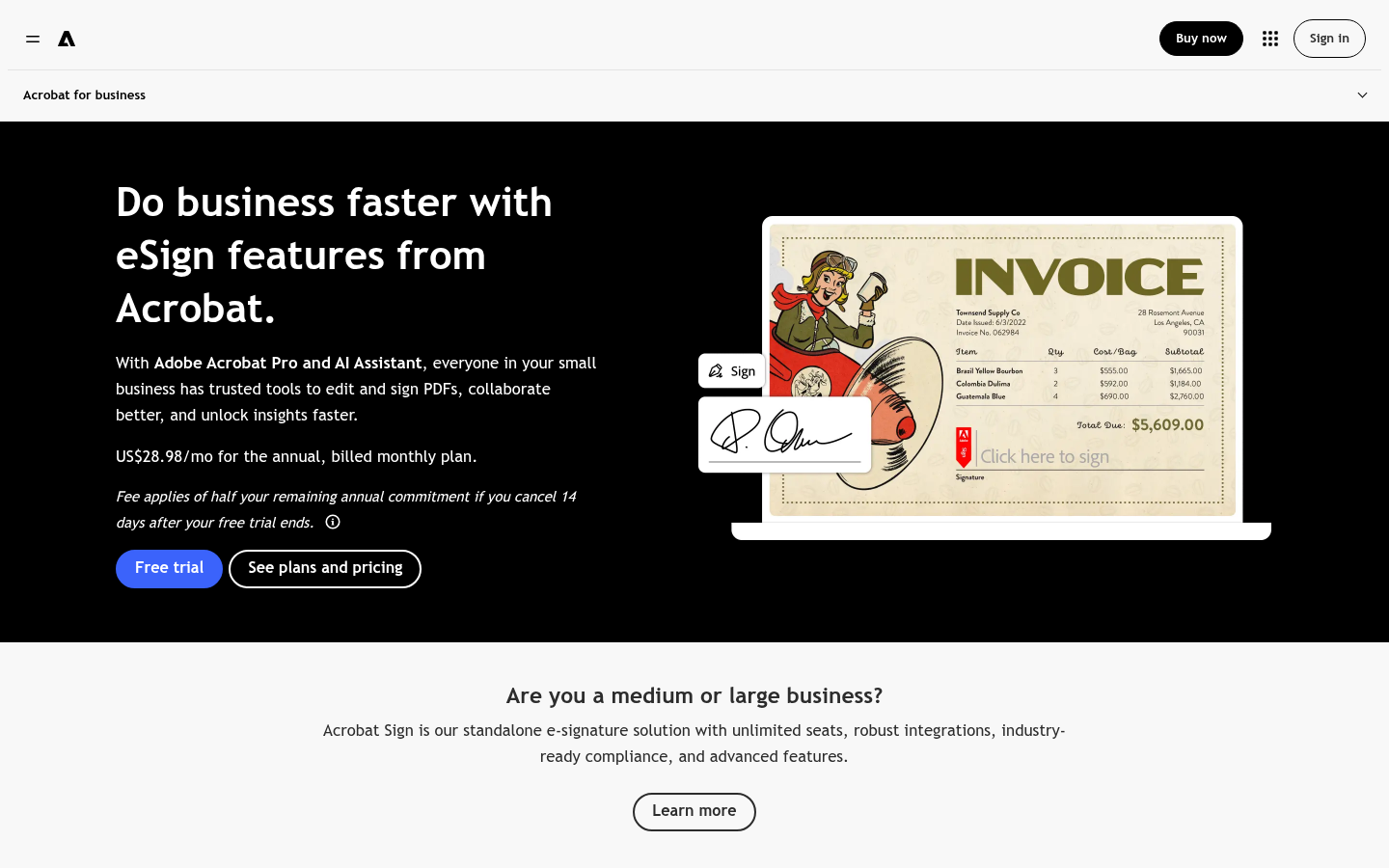
Adobe Acrobat Sign
- Edit, redact, compare and sign a PDF without leaving Acrobat
- Lower entry price for teams: from $16.99 per license per month
- Regular signing listed as unlimited on Acrobat team plans
- Fits teams already standardised on Adobe and Microsoft 365
- Reviewers describe a steeper learning curve for new users
- Features differ by plan: bulk send starts at Pro and enterprise verification needs Sign Solutions
- Annual commitment applies even when billed monthly
Best when your contracts live as PDFs and you edit them as often as you sign them.
At-a-glance
| DocuSign | Adobe Acrobat Sign | |
|---|---|---|
| Price (US, annual plans) | Personal $10/month, Standard $25/user/month, Business Pro $40/user/month, billed annually | Acrobat team plans from $16.99 to $29.99 per license/month on annual commitment; Acrobat Sign Solutions on quote |
| Sending limits | Personal: 5 envelopes/month. Standard and Business Pro: 100 envelopes per user per year | Regular signing listed as unlimited on Acrobat team plans, subject to Adobe's terms and technical limits |
| PDF editing and redaction | Focused on agreements; PDF editing is not the core product | Full Acrobat toolset: edit, redact, compare, OCR, then sign |
| Integrations | 1,100+ pre-built integrations, including Salesforce, Microsoft 365, SAP and Workday | Microsoft 365 and Google Drive on team plans; enterprise connectors on Acrobat Sign Solutions |
| Bulk send | Included in the Business Pro tier | Included from Acrobat Pro for teams |
| User ratings (G2) | 4.5/5 from roughly 2,600 to 2,900 reviews; ease of use 9.0, support 8.3 | 4.4/5 from about 1,070 reviews; ease of use 8.7, support 8.0 |
Verdict
DocuSign is the better choice when signing itself is the workflow: several signers, routing rules, integrations and a defensible audit trail. Adobe Acrobat Sign is the better choice when the contract is a PDF you still need to edit, redact or compare. Neither tool tells you whether the clauses are acceptable, so read the contract before either one collects a signature.
How we tested
This comparison is desk research, not a hands-on lab test. We checked both vendors' public pricing and product pages in October 2026, read the aggregate ratings and reviewer comments on G2 and Capterra, and cross-checked plan limits against independent 2026 comparisons. Prices are US list prices on annual plans; European prices differ, and enterprise tiers are quote-only. We have no affiliate arrangement with either vendor, so neither ranking nor wording is influenced by commission. Scores are editorial judgements on a 0 to 5 scale for the contract-signing use case described above, not vendor-supplied figures.
DocuSign vs Adobe Sign, the short answer: DocuSign wins for signing-heavy workflows, thanks to 1,100+ integrations, a 9.0 ease-of-use score on G2 and mature routing. Adobe Acrobat Sign wins for PDF-heavy teams, because editing, redaction and signing share one subscription starting at $16.99 per license per month. Pick DocuSign if you send many agreements to several signers. Pick Adobe if you spend more time fixing PDFs than collecting signatures.
Where does e-signature fit in contract review?
Signing is the last step of a contract, not the first. By the time either tool opens a signature request, the clauses should already have been read, flagged and negotiated. In practice, this means the choice between DocuSign and Adobe Acrobat Sign is about logistics: who signs, in what order, where the executed copy is stored and how you prove it later.
That framing matters because both products are good at logistics and neither reviews the content. A signature request that goes out with an unchecked auto-renewal clause is still an unchecked auto-renewal clause. Before you pick a tool, decide who in your team reads the document and who only signs it.
How do DocuSign and Adobe Acrobat Sign differ on price?
DocuSign publishes three individual and team tiers in the US: Personal at $10 per month, Standard at $25 per user per month and Business Pro at $40 per user per month, all billed annually. Enterprise and agreement-management plans are quoted. Adobe sells signing mainly through Acrobat team plans at roughly $16.99, $23.99 and $29.99 per license per month on an annual commitment, with Acrobat Sign Solutions quoted separately for larger organisations.
On sticker price Adobe is cheaper per seat. The comparison is less clean than it looks. DocuSign prices by seat and envelope allowance, while Adobe bundles signing with PDF software you may already pay for. If your team already holds Acrobat licenses, the marginal cost of signing is close to zero. If not, you are buying a PDF suite to get a signing tool.
European buyers should check local prices. Independent trackers report euro prices for DocuSign that differ from the US list, so treat the dollar figures here as a reference point rather than a quote.
What are the sending limits?
This is where DocuSign bills surprise people. Personal includes 5 envelopes per month. Standard and Business Pro are described by DocuSign as 100 envelopes per user per year. A sales team sending 30 agreements a month from one account will hit that ceiling by April.
Adobe lists regular signing on its team plans as unlimited, subject to its terms and technical limits, and independent reviewers note that standalone Acrobat Sign user licences carry their own transaction allowances. Read the licence terms for your exact plan before assuming unlimited means unlimited.
For a freelancer signing a handful of NDAs, neither limit matters. For an operations team sending offer letters, vendor contracts and renewals every week, it decides the budget.
Which one has better integrations?
DocuSign advertises more than 1,100 pre-built integrations, with certified connectors for Salesforce, Microsoft 365, SAP, Workday, ServiceNow and Google Workspace. Reviewers on G2 single out its connectors with tools such as Procore and Greenhouse. If your contracts start inside a CRM or an HR system, this is DocuSign's strongest argument.
Adobe covers Microsoft 365 and Google Drive on the team plans, and offers enterprise connectors, including Salesforce, through Acrobat Sign Solutions. For a team whose contracts begin and end in Word and PDF, that is enough. For a team whose contracts begin in Salesforce, it is a more expensive route.
What do users say about each tool?
On G2, DocuSign holds 4.5 out of 5 and Adobe Acrobat Sign holds 4.4 out of 5, from roughly 2,600 to 2,900 and about 1,070 reviews respectively. The gaps are small: ease of use is 9.0 versus 8.7, quality of support 8.3 versus 8.0. On Capterra, DocuSign scores 4.7 from about 9,500 reviews, and Adobe Acrobat scores 4.7 from about 4,300 reviews, although the Adobe page covers the whole Acrobat product rather than Sign alone.
The complaints are consistent. DocuSign reviewers talk about price, tier complexity and a learning curve for advanced features. Adobe reviewers talk about cost, an interface that new users find dense, and less flexibility when editing a workflow after the document has been sent.
How do they compare for different team profiles?
A freelancer or founder signing a few NDAs and service agreements a month is well served by either product. DocuSign Personal covers five envelopes a month at $10, and Adobe's team entry plan covers more volume if a PDF editor is useful anyway. The decision here is mostly about which interface you find less irritating.
A small legal or operations team, five to twenty people, sends offer letters, vendor agreements and renewals on a steady rhythm. This is where the envelope allowance, templates and shared audit trails matter. DocuSign's routing and integrations usually give it the edge, while Adobe suits teams whose paperwork is mostly PDFs edited by hand.
A larger organisation will end up on a quoted enterprise plan with either vendor, so list prices stop being the useful number. Ask for the same scenario from both: expected annual volume, signer authentication level, required integrations and data residency. Compare the written quotes rather than the marketing pages.
Does either tool meet European signature requirements?
Both vendors support electronic signatures that are valid for most commercial contracts in the EU, UK and Switzerland, but the legal weight of a signature depends on its level. Under the EU eIDAS framework, a simple electronic signature is accepted for most business agreements, while an advanced or qualified signature gives stronger evidential value and is sometimes required for specific document types.
In practice, this means you should not assume that your plan includes qualified signatures. Ask the vendor to name the trust service provider and any extra charge in writing, and check the provider against the EU Trusted List. For anything with real exposure, such as a real-estate transfer or a regulated financial agreement, confirm the formal requirement with your counsel before you pick the signing level.
Which should you choose?
Choose DocuSign when you send agreements repeatedly, need several signers in a fixed order, and want the signature step to plug into a CRM or HR system. Budget for the envelope cap and confirm bulk send sits in the tier you buy.
Choose Adobe Acrobat Sign when your documents are PDFs that need redaction, comparison or last-minute edits before signature, or when your team already pays for Acrobat. Confirm which signing features sit in your plan, since bulk send and enterprise verification are tiered.
Whichever you pick, three actions are worth doing before the first send: read the contract clause by clause, test one real agreement with an outside signer, and store the executed copy and audit certificate somewhere your finance and legal teams can both reach it.