Summary
This electronic signature generator lets you type a name, choose from four handwriting styles and three ink colors, and download the result as a PNG signature image. Everything runs in your browser: there is no account, no upload, and no server call, so nothing you type is stored anywhere. It is a lightweight image tool, not a legally binding e-signature platform like DocuSign or HelloSign, and the page says so plainly in the FAQ. Use it for personal documents, cover letters, or quick mock-ups, then keep a dedicated e-signature service on hand for contracts that actually need one.
Electronic Signature Generator: Create a Signature Image From Your Name
Type your name, pick a handwriting style, and download a PNG of your signature in seconds. This is a free image generator, not a legally binding e-signature service like DocuSign.
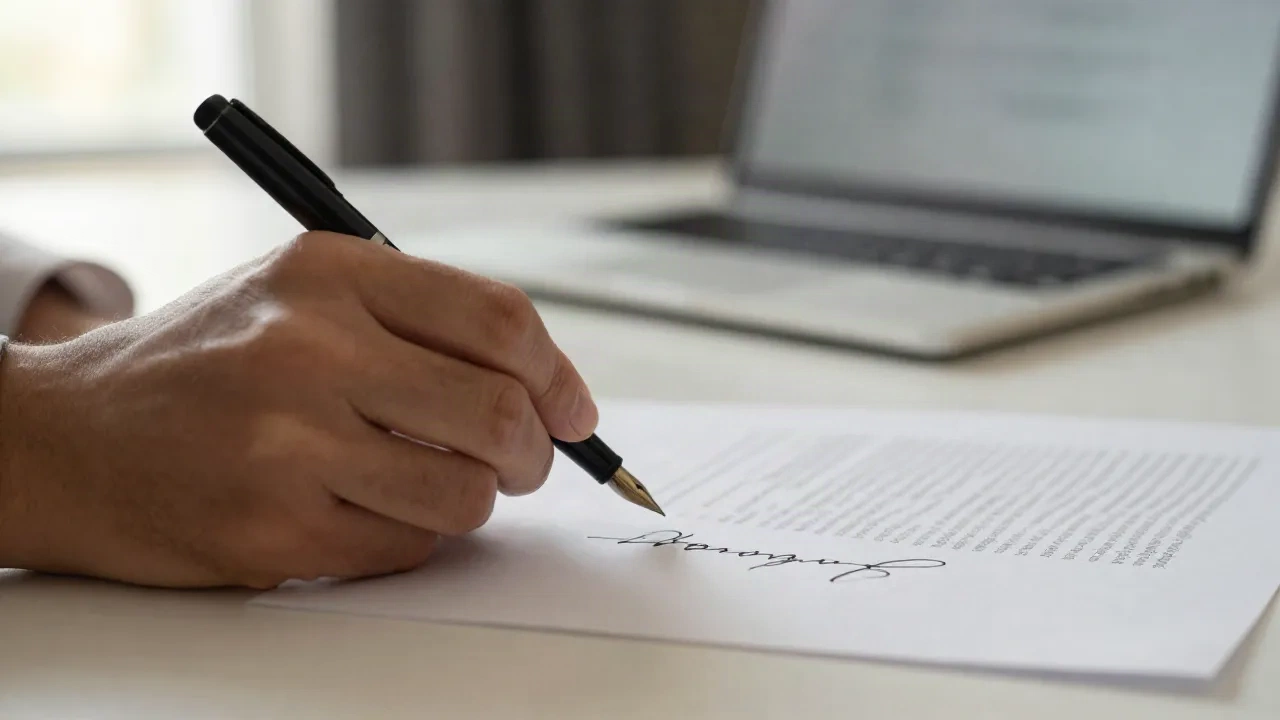
Sign a personal document without opening new software
Freelancers, landlords, and small teams often need a quick signature on a personal letter, a lease addendum, or an internal form, not a full contract workflow. Type your name once, drop the PNG into the document you already have open, and move on. If the paperwork is a real contract with legal weight, treat it accordingly: read it first, and use a proper e-signature platform to execute it.
- Works with any PDF or image editor you already use
- No account and nothing to install
- The same signature style renders every time you type the same name
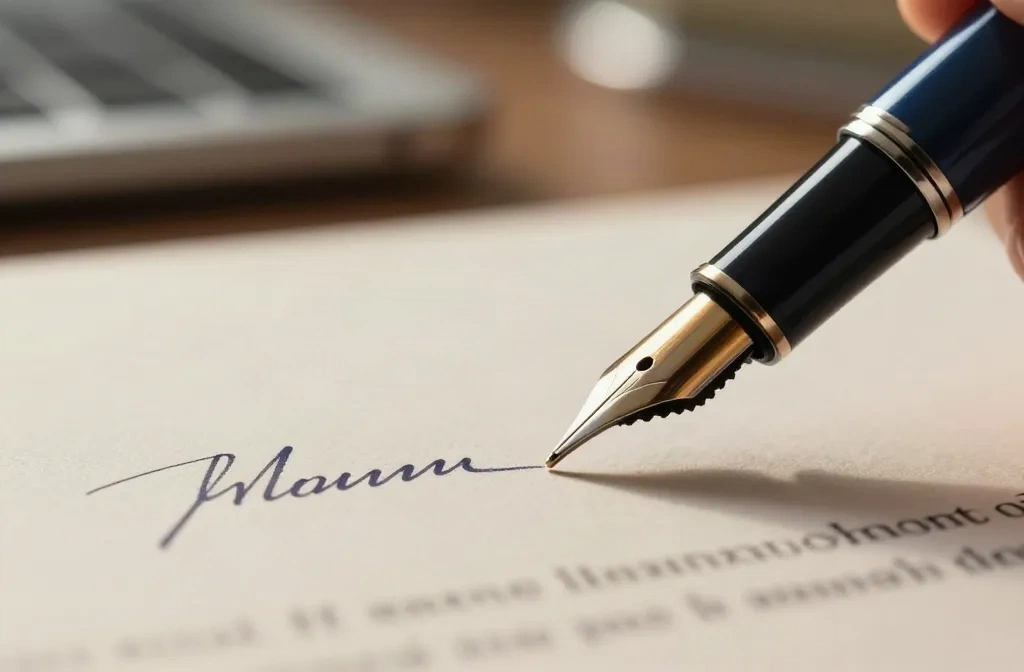
What this signature generator actually does
Type your name
Enter the name you want signed, up to 40 characters. Works for a first name, a full name, or initials, and updates the preview as you type.
Pick a style and color
Choose from four cursive styles, three ink colors, and an optional slant. The canvas auto-shrinks long names so they still fit cleanly.
Download, nothing stored
The image renders on a canvas element inside your browser. Click download to save the PNG. No server call, no account, no data collection.
Common questions about this signature generator
Is this signature legally binding, like DocuSign or HelloSign?
What can I actually use this signature image for?
Is it free?
Is my name or signature stored anywhere?
Why do the handwriting styles look different on my phone than on my laptop?
Can I draw my signature freehand instead of typing it?
How is this different from what Legalysis normally does?
Already reviewed the contract? Check it for risk before you sign anything.
Legalysis flags risky clauses in NDAs, SLAs, and vendor contracts in minutes, before you put any signature on them.